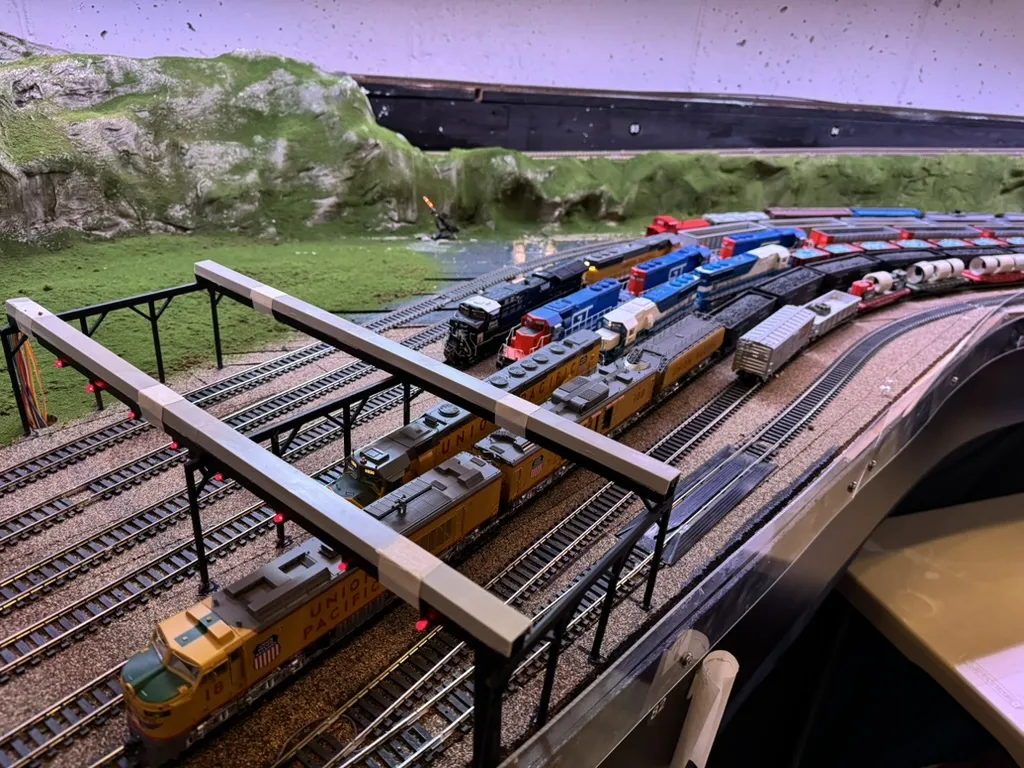
Your railroad.
In command.
You've built a railroad worth running. Bring your layout, locomotives, and operating sessions together with RailCommand.
Credit card required. Then $19/month or $190/year, based on your billing choice. Cancel before the trial ends to avoid a charge.
Design on the web Operate on your desktop
Find your command stationInside the software
A railroad is more than track.
Explore these product screenshots. Select an image for a closer look.
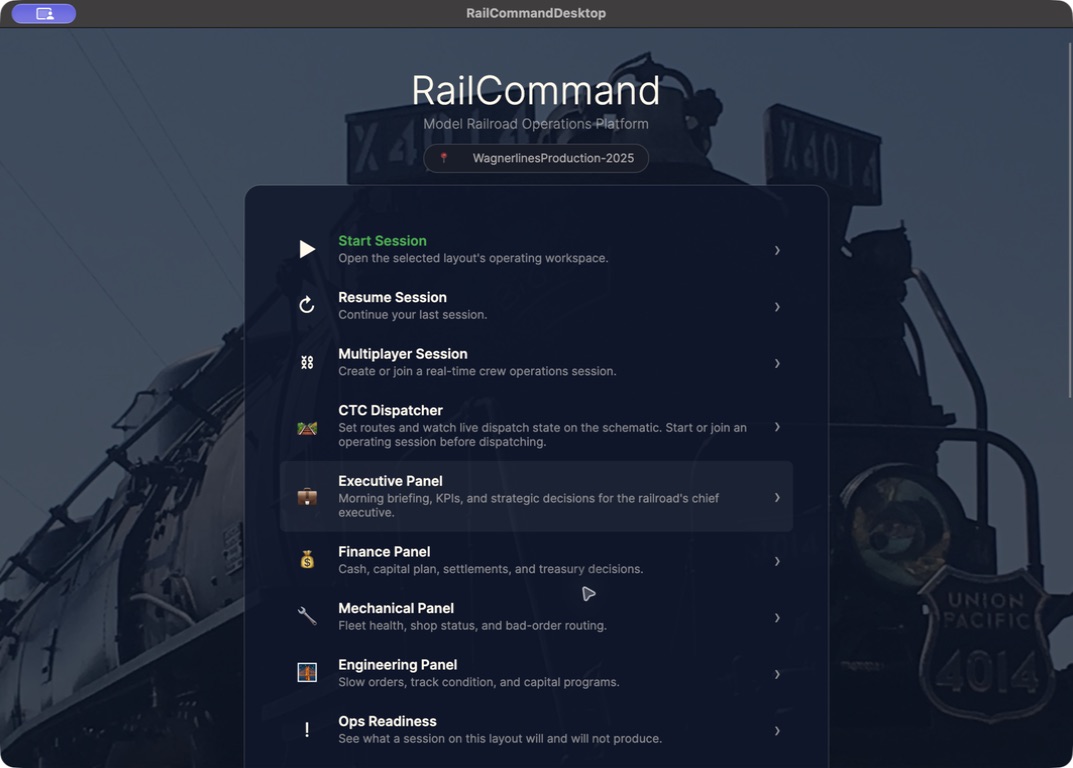
Your operating workspace
RailCommand Desktop beta.
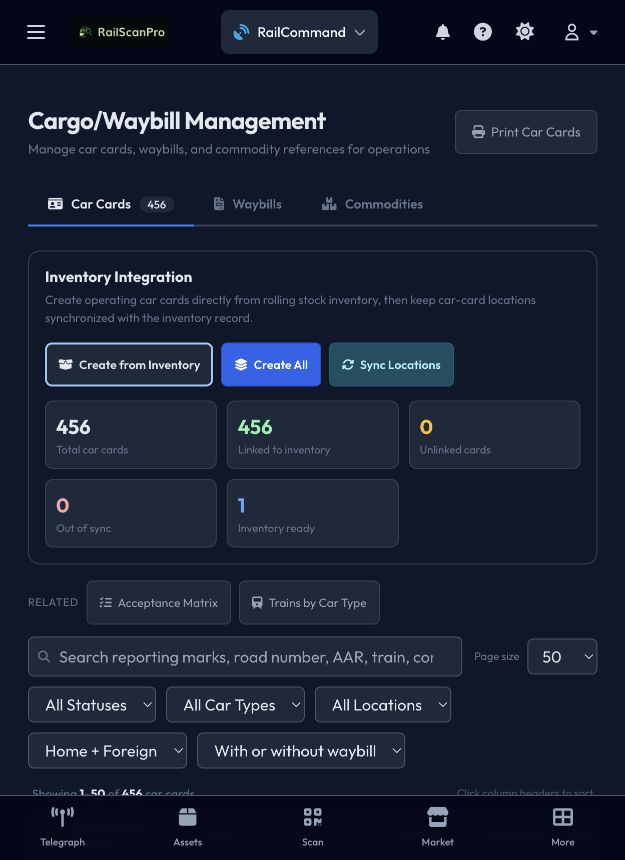
Give every car a job
Cargo and Waybill Management.
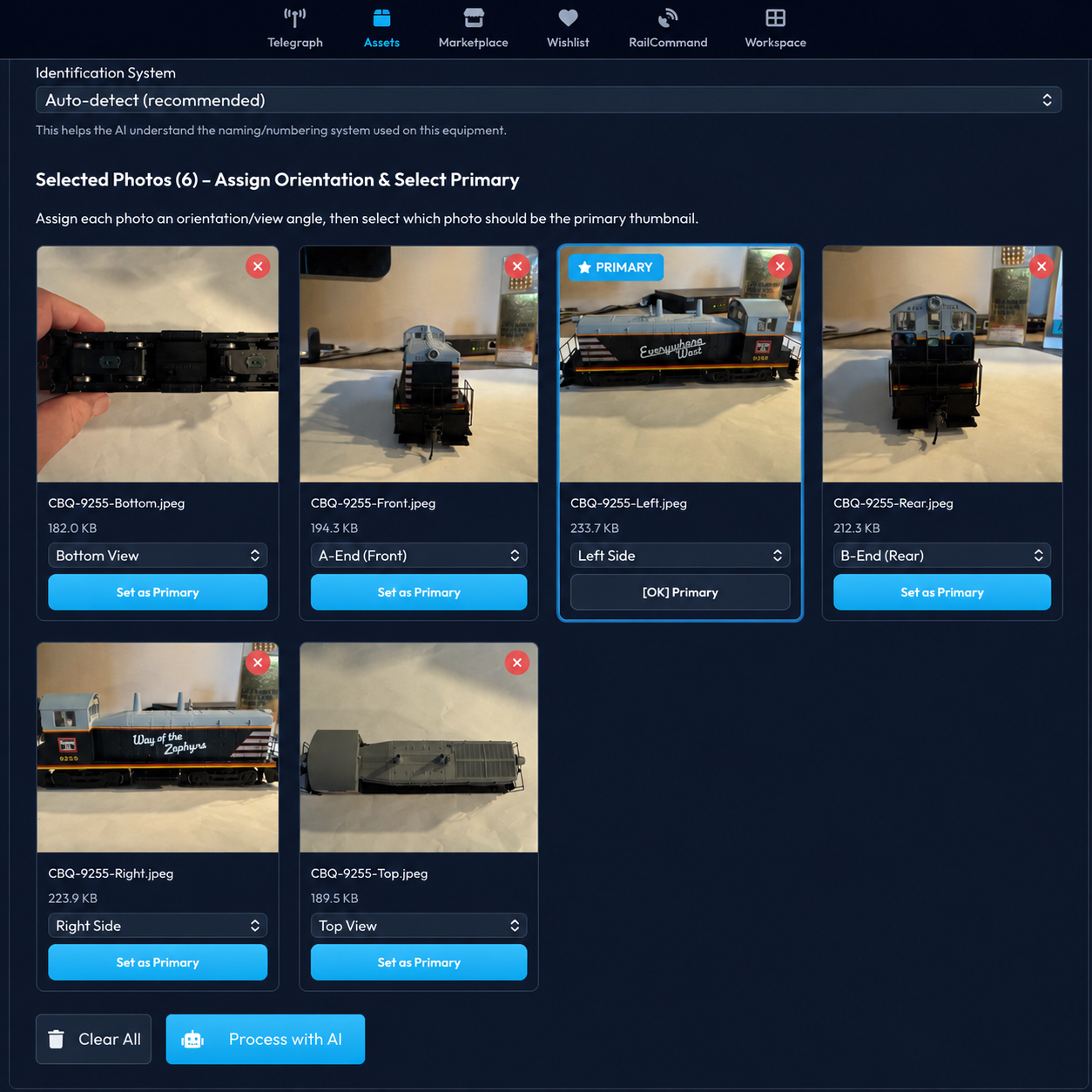
Know your collection
Photo cataloging workflow.
For TrainController owners
Your layout took years.
Its next chapter starts here.
Start with a copy of your TrainController project. Review the import before creating a RailCommand layout, and keep your existing setup while you evaluate.
Available today
Import & reviewLayouts and starting positions
Import your layout and the starting positions decoded from your file. Review the objects and resolve flagged questions before creating the layout.
Conditions for review
Inspect decoded conditions in the import review.
Reading a condition does not mean its original automation will run in RailCommand.
In development
Schedules and
imported automation
Full TrainController parity is in development, including running imported schedules and logic.
Importing a layout today does not reproduce all of its TrainController behavior.
TrainController 10 is the current development focus.
TrainController 11 support is planned next.
Your next operating session starts here.
Three steps to explore RailCommand, at your own pace.
Check your hardware
Find your command station and its validation status. Confirm that the connection you need is covered.
View hardware compatibilityStart your subscription
Choose your team size and billing interval. Hobbyist includes a 30-day trial with a credit card required.
Choose your planOpen RailCommand Desktop
Create or import your layout on the web, then follow the desktop and hardware setup guides to prepare for operation.
Follow the desktop guide
Every detail.
All part of your railroad.
Four pillars. One subscription.
The whole hobby.
Connected.
RailCommand
Design the layout. Take control. Bring your operating sessions together.
Asset Management
Your roster, collection photos, and maintenance records in one place.
RSP-U
Build your skills. Find your next model railroading project.
Telegraph Office
Share what you're building with people who understand the hobby.
Your railroad. Your crew.
One subscription.
Your whole railroad.
All paid plans include RailCommand and the full RailScanPro platform. Features marked in development are not yet available.
Only Hobbyist includes the 30-day free trial. Credit card required. Family, Pro, Club, and Museum are paid subscriptions without a trial.
Choose a plan and get started →| Plan | Monthly | Annual |
|---|---|---|
| Hobbyist1 user | $19per month | $190per year |
| FamilyUp to 5 users | $29per month | $290per year |
| ProUp to 10 users | $49per month | $490per year |
| ClubUp to 50 users | $129per month | $1,290per year |
| MuseumUnlimited users | $349per month | $3,490per year |
Prices in USD. Annual subscriptions are billed yearly.